Mailing from DMS
Standard Operating Procedure:
Mailing Functionality in DMS
2.14.2026
Departments
- EDGAR
- Funds
- Typeset
- XBRL
Purpose
To establish guidelines for the use of mailing in the DMS.
Definitions
DMS: Data Management System
Procedures
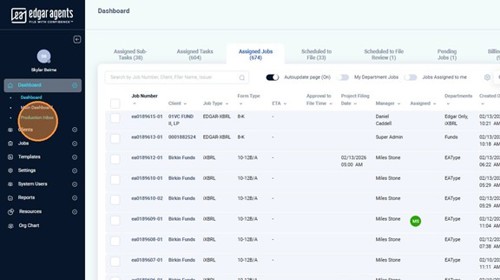
Navigate to the DMS
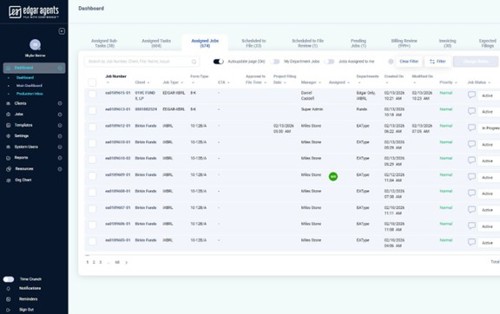
The Production Inbox is where emails are sent from and received. You can reply, reply all, and forward from the Production Inbox. It is important that you view the contents of an email before deciding which action to take inside the email.
The inboxes within the Production Inbox are as follows:
- Accounting
- EA Main
- EA Type
- XBRL
- Funds
- JPM
- JPM File
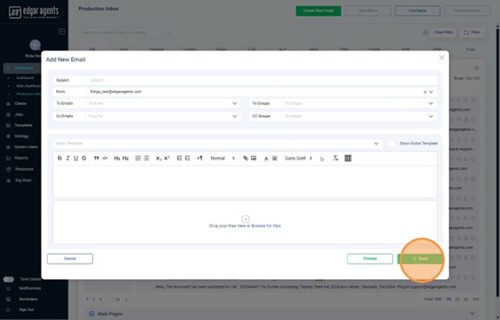
Click “Create New Email” to open the Correspondence window.

OR select and open a job from the Jobs tab.
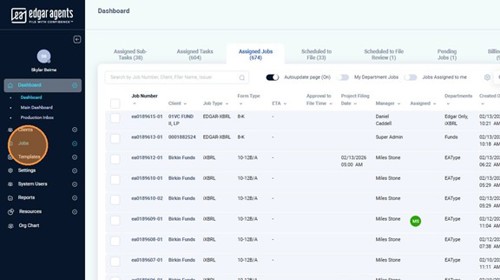
Click the “Correspondence” button.
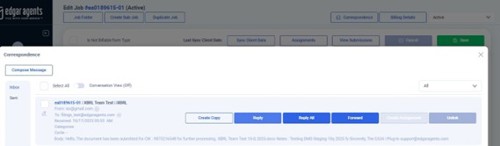
The Correspondence window displays all emails linked to the Job. You can reply to an email, reply all to an email, or forward an email from the Inbox tab. The Sent tab will display all emails sent from the DMS.
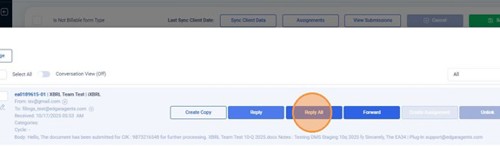
Select “Reply All” in the Correspondence tab on the email you want to reply to.
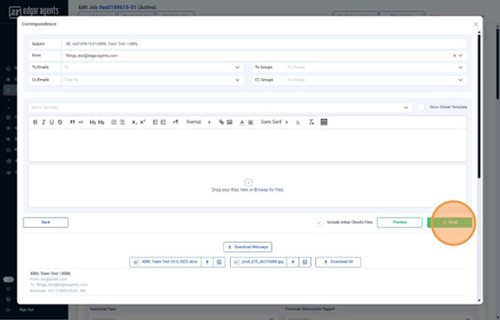
Edit the subject line when replying to a client email; use the checkboxes to mass apply certain settings. Please always check the subject line prior to sending the email to remove any excess text, for example: RE:|RE: RE:|RE:
Select one of the email templates from the drop-down menu to autofill the response and edit as needed.
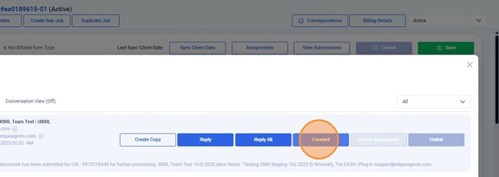
Select “Forward” from the Correspondence tab to forward an email to the appropriate teams.
Select one or more of the following email addresses to alert the team(s) of the new email.
Typeset: efile.type@edgaragents.com
EFile: efile.edgar1@edgaragents.com
XBRL: xbrl1@edgaragents.com
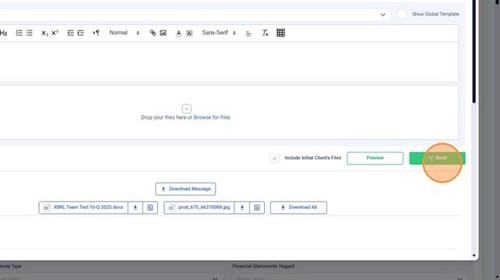
Click “Preview” to preview the email before sending.
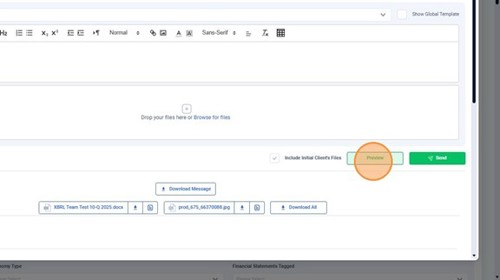
Click “Send” to reply to or forward the email.