Workflow Cycles
DMS Standard Operating Procedure: Adding A New Workflow Cycle
2.16.2026
Departments
- EDGAR
- Funds
- Typeset
- XBRL
Purpose
To establish guidelines the process for adding a new workflow cycle. By following the steps outlined, users will be able to select and confirm the appropriate workflow.
Definitions
- DMS: Data Management System
Procedures
All Cycles/Tasks should be created at the time of receipt, either by the US Team when handling the email, or by the relevant teams based on the content received.
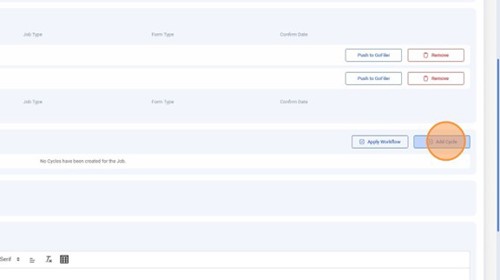
From the Job page, click "Add Cycle."
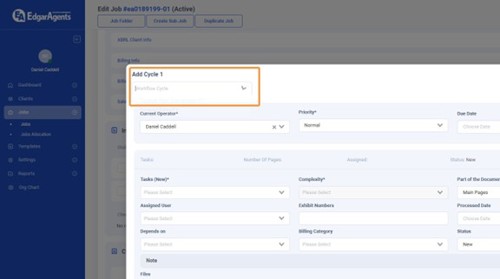
Click the "Workflow Cycle" field.
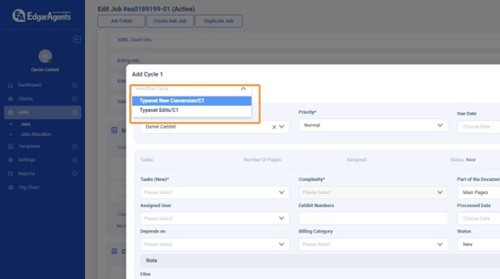
Choose your desired Workflow from the drop-down list.
Click "Yes" to confirm the chosen Workflow.
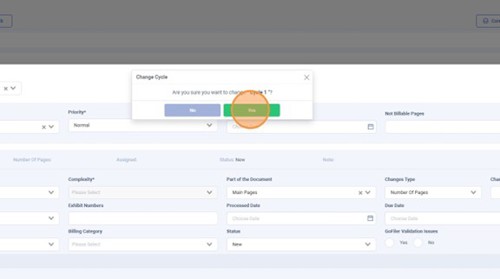
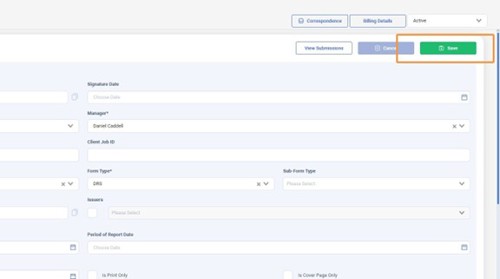
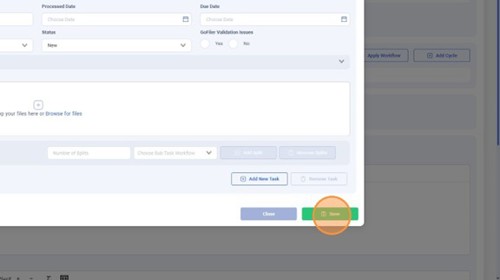
Check the tasks that were auto-populated to ensure the correct workflow was selected. Once confirmed, click "Save."
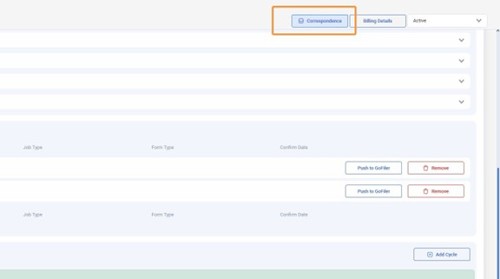
Click "Correspondence."
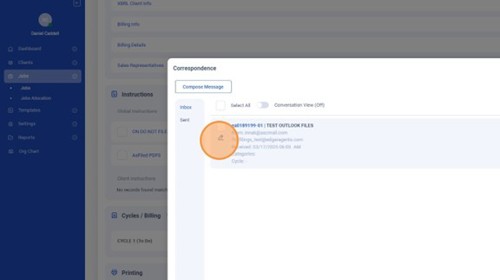
Click the pencil icon to open "Edit Mode" on the latest email on this screen.
Click the Cycle field.
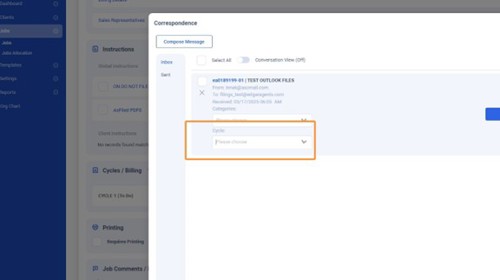
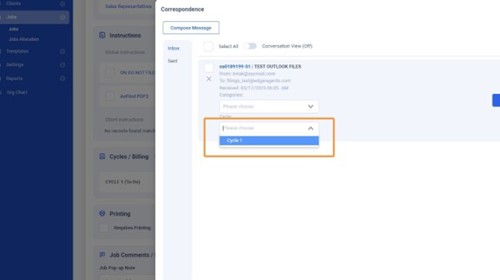
Choose the previously created cycle for this email.
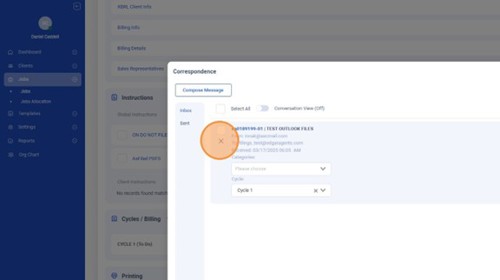
Click the pencil icon to exit "Edit Mode."
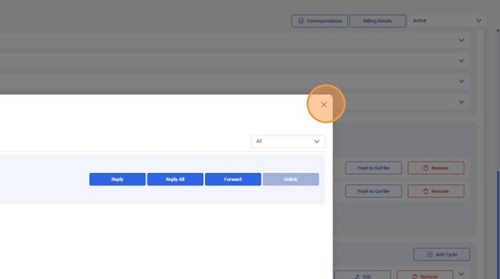
Close the window.
Click "Save" to exit the Job and save all your changes.