Production Inbox Best Practices
DMS Standard Operating Procedure:
Production Inbox Best Practices
2.16.2026
Departments
- EDGAR
- Funds
- Typeset
- XBRL
Purpose
To establish guidelines for the customization and best use of the Production Inbox in the DMS.
Definitions
DMS: Data Management System
Production Inbox Tab Settings
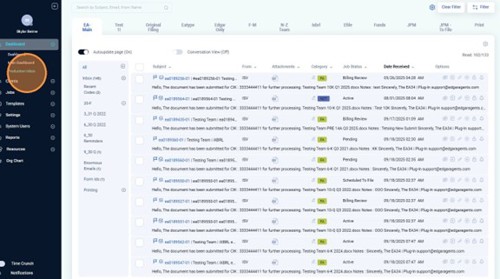
Navigate to the Production Inbox tab.
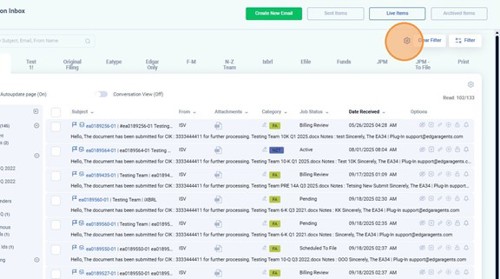
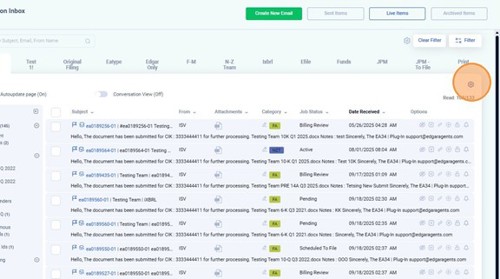
Click the “Production Inbox Tab Settings” gear icon.
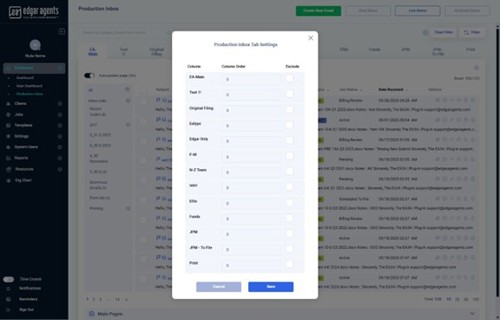
From here, you can customize your column order or choose to exclude columns that do not apply to you. The columns are as follows:
- EA-Main
- Eatype
- Edgar only
- F-M
- N-Z Team
- Ixbrl
- Efile
- Funds
- JPM
- JPM – To File
Production Inbox Grid Settings
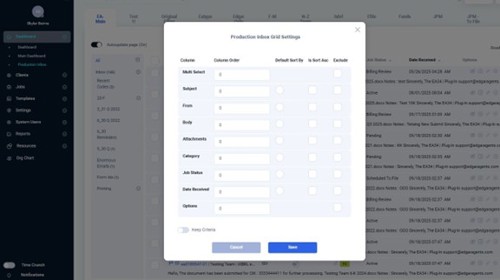
Click “Production Inbox Grid Settings” gear icon.
From here, you can customize your column order, default sort by, or exclude what does not apply. The grid setting columns are as follows:
- Multi Select
- Subject
- Body
- Attachments
- Category
- Job Status
- Date Received
- Options
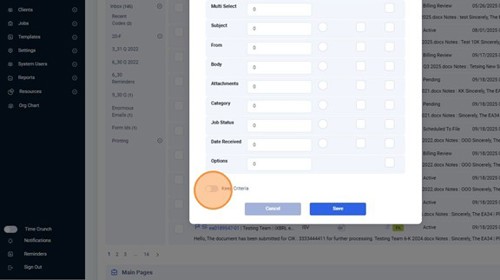
Click this “Keep Criteria” toggle to keep criteria selected across all inboxes.
Filter by Categories
Click on “Filter” to active the filter options for the Production Inbox.
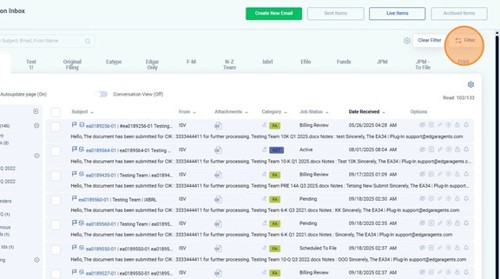
You can search by Subject, Email, From Name, Received From date, or Received To date.
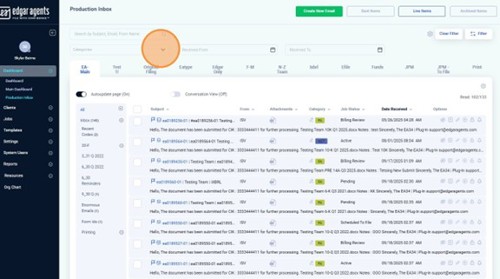
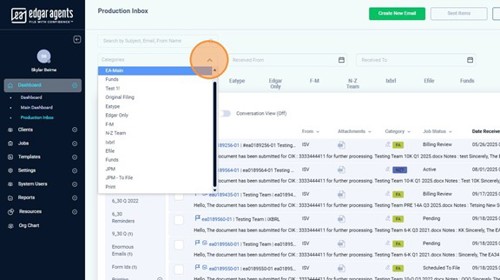
You can filter by categories by clicking the “Categories” dropdown. The categories are as follows:
- EA Main
- Funds
- Eatype
- Edgar Only
- F-M
- N-Z Team
- Ixbrl
- Efile
- Funds
- JPM
- JPM – To File